
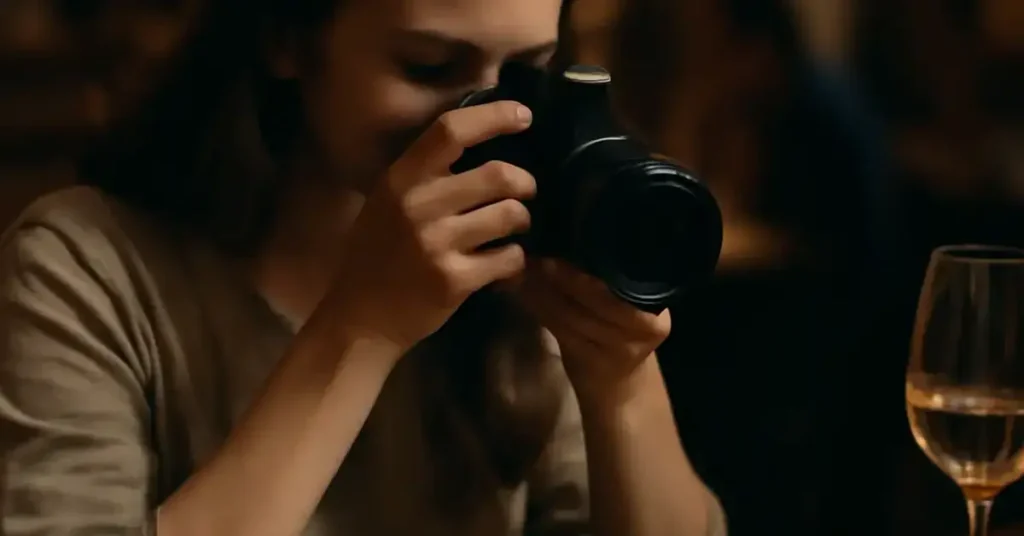
take food photos discreetly Key Takeaways
Want to snap beautiful food photography in a dim restaurant without being that person who holds up the whole table?
- Use the restaurant’s ambient light instead of a flash for softer, more appetizing no flash food photography .
- Master a stable grip and a quick trigger finger so you never cause delays or awkward pauses.
- Adjust your camera’s exposure and white balance before you even sit down to avoid fiddling with settings at the table.
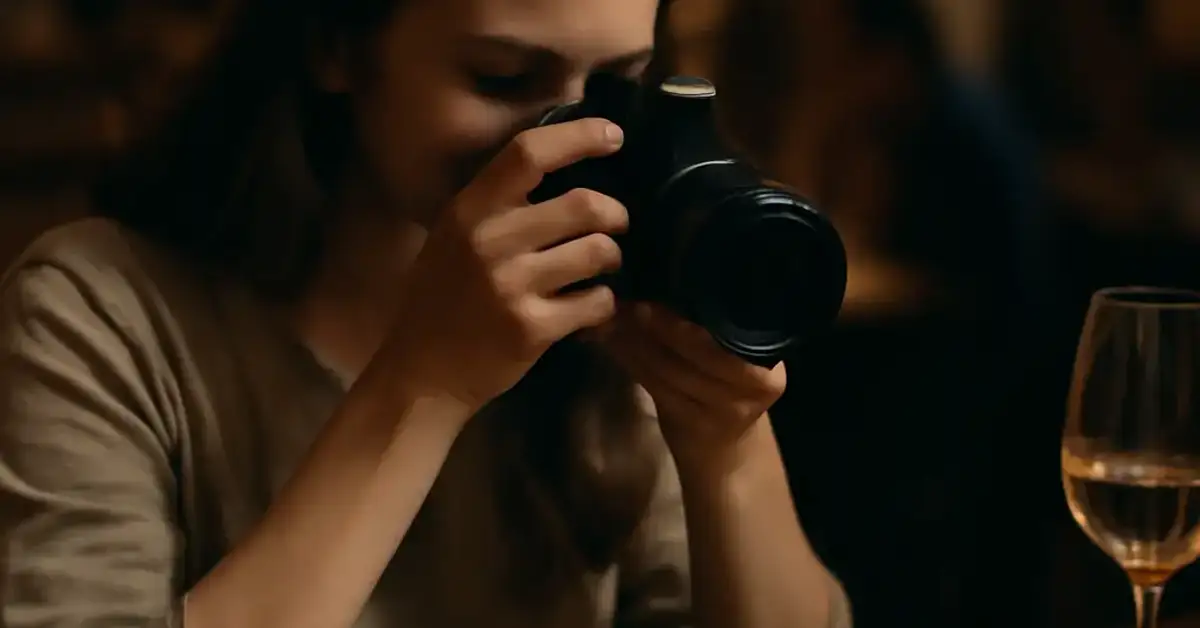
Why Learn to Take Food Photos Discreetly
We’ve all been there. The waiter sets down a gorgeous plate, and suddenly someone pulls out a giant camera rig, asks everyone to pause, and spends two minutes adjusting settings. It kills the vibe. Learning to take food photos discreetly solves that problem. You get the shot, everyone stays happy, and the food still looks hot and fresh.
Beyond social courtesy, there’s a practical reason: most restaurants have warm, dim lighting that flash ruins. No flash food photography actually yields better results because the natural or artificial room light brings out the textures and colors that flash flattens.
What You Need Before You Start
You don’t need expensive gear. A modern smartphone with a good camera works perfectly. If you use a mirrorless or DSLR camera, bring a fast lens (f/1.8 or wider) to handle low light without a tripod. Beyond that, you need:
- A small, dark-colored napkin or cloth to stabilize your elbows or wrist on the table.
- A willingness to eat your food while it’s warm — cold photos don’t look appetizing.
- Silent mode on your phone or a quiet shutter setting on your camera.
Step-by-Step Guide to Discreet Food Photos Without Flash
Step 1: Find the Best Natural Light Seat
Before you sit, scan the room. Tables near windows get beautiful, soft daylight. If it’s nighttime, look for areas with consistent overhead lighting — avoid tables directly under a single harsh spotlight, which creates harsh shadows. Choose a spot where the light falls evenly on the plate. For a related guide, see Where Do Restaurants Get Their Ingredients: Sourcing Spotlight: 7 Proven Ways Restaurants Source Ingredients.
Step 2: Set Your Camera Before Food Arrives
While you’re waiting for your order, adjust your settings so you’re ready to shoot instantly. On a phone: tap the screen to set focus and exposure, then slide the sun icon down slightly to avoid overexposing bright highlights. On a camera: set a high ISO (800–3200 is fine on modern cameras), open your aperture wide (f/1.8–f/2.8), and set your shutter speed to at least 1/60 second to avoid blur. For a related guide, see 7 Expert Open Kitchen Dining Tips – Avoid These Common Mistakes.
Step 3: Use a Stable, Unobtrusive Grip
Hold your phone or camera with two hands, elbows tucked against your ribs, and press the device against your cheek or chest for extra stability. If you’re sitting, rest your elbows on the table (use a napkin to avoid noise). This gives you a solid base without a tripod.
Step 4: Compose Quickly Without Moving the Plate
Don’t rearrange food or move plates around — that draws attention. Instead, lean slightly to the side or tilt your phone to change the angle. A 45-degree overhead shot works for most dishes. For height (burgers, stacked desserts), shoot from a low angle without getting in anyone’s way. Use your napkin-covered hand to block stray light if needed.
Step 5: Snap in Burst Mode or Use Silent Shutter
Most phones have a burst mode (hold the shutter button). Take 5–10 quick shots in one burst. The camera will automatically pick the sharpest one. This lets you get a clean shot even if your hand wobbles slightly, and you only need one second of movement to execute it. On a camera, enable silent shutter to avoid a loud click.
Step 6: Correct White Balance in Post
Restaurant lighting often has an orange or green tint from incandescent bulbs or LEDs. Fixing white balance after the fact is easy with free apps like Snapseed or Lightroom Mobile. Tap the auto white balance tool, then fine-tune by tapping a white area of the plate or napkin. This makes your discreet food photos look natural, not sickly.
Step 7: Crop and Straighten in Seconds
You might not get the perfect angle in the moment. A quick crop removes table clutter, stray silverware, or a neighbor’s elbow. Use the straighten tool to fix any tilted horizon. Done. Whole process: under 10 seconds per photo, so you’re never holding up the group.
Common Obstacles and How to Overcome Them
Too Dark to See
If the room is so dark that your phone’s camera struggles, try this: place a white napkin under the plate to reflect available light upward onto the food. Alternatively, rest your phone on a water glass or salt shaker to create a makeshift stable surface — no tripod needed.
Other Diners Staring
The best defense is confidence and speed. Snap once, put the phone down, and start eating. If someone comments, smile and say, “I just wanted to remember this dish — it looks amazing.” Most people will nod and move on.
Food Loses Heat
Work fast. Shoot within the first 30 seconds of the plate hitting the table. If you need to adjust something, do it while the waiter is still there, so it feels like part of the serving process.
Optimization Tips for Better Results
- Use portrait mode on your phone to blur the background (it mimics a wide-aperture lens).
- Turn off HDR unless you need it — HDR can introduce motion blur in low light.
- Clean your lens with a microfiber cloth before the meal — greasy fingerprints ruin sharpness.
- Shoot in RAW if your phone or camera supports it — you can recover more detail in shadows.
Useful Resources
Want to dive deeper into low-light food photography without gear? Check out these guides:
- Digital Photography School: How to Take Food Photos Without Flash
- Food Photography Academy: Low Light Food Photography Tips
Mastering the art of no flash food photography isn’t about expensive gear — it’s about speed, stability, and respecting the dining experience. With these steps, you can take food photos discreetly anywhere, capture the beauty of the dish, and still enjoy your meal hot. For a related guide, see Counter Seating Guide: 7 Expert Tips for the Best Omakase Experience.
Frequently Asked Questions About take food photos discreetly
How do I take food photos without a flash in a very dim restaurant?
Use a high ISO setting (800–3200) on your camera or phone, open the aperture wide (f/1.8 or lower), and stabilize your camera against a table or napkin. For phones, tap to set exposure and lower the brightness slider slightly to avoid blown highlights.
What is the best smartphone for discreet food photos ?
Any recent flagship phone with a good low-light mode works well — iPhone 14/15 Pro, Samsung Galaxy S23/S24, Google Pixel 8, or similar. The key is to use the night mode or pro mode for manual control.
Can I take good food photos without a tripod?
Absolutely. Use the techniques of bracing your arms on the table, using burst mode, and resting your phone on a stable surface. A tripod is rarely necessary in a restaurant setting and draws too much attention.
How do I avoid motion blur when shooting handheld in low light?
Set your shutter speed to at least 1/60 second for normal lenses and 1/125 for telephoto. Use burst mode to capture several frames in one second — at least one will be sharp. Also, hold your breath as you press the shutter.
Should I use portrait mode for food photos?
Yes, portrait mode can give a nice blurred background that makes the dish stand out, but only if the lighting is bright enough. In low light, portrait mode can introduce noise or artifacts; switch to standard mode instead.
How do I fix orange-tinted food photos from restaurant lights?
Adjust white balance in post-processing. Use the auto white balance tool in Snapseed or Lightroom, then manually tap a neutral white area in the photo (like a napkin or plate rim) to correct the tint.
What’s the fastest way to take a food photo without causing a delay?
Pre-set your camera exposure and focus before the food arrives. When the plate lands, snap one burst shot (takes under a second), lower your phone, and start eating. Don’t review the photo until after the meal.
Do I need a special lens for no flash food photography ?
Not necessarily. A fast lens (f/1.8 or wider) helps in low light, but many smartphone cameras now have excellent low-light sensors. If you use a DSLR or mirrorless, a 50mm f/1.8 is affordable and great for food.
How do I take a photo of a hot dish without steam ruining the shot?
Use a fast shutter speed (1/125 or faster) to freeze steam. If your camera struggles with focus, tap the food itself (not the steam) and let the auto-exposure handle the rest.
Can I use the flash on my phone in a restaurant?
You can, but it usually makes food look flat, creates harsh shadows, and disturbs other diners. Instead, use the ambient light and boost ISO. If you must add light, ask for a candle or use a small LED panel dimmed to warm.
How do I take a photo of a plate without getting other people’s hands in the frame?
Shoot from directly above (overhead) or from a low angle that crops out the table. Politely ask the person next to you to move their hand for one second. A quick burst mode helps you capture the moment before hands come back.
What is the best time of day to take food photos discreetly ?
Late afternoon or early evening, when natural light from windows is still bright but not harsh. If you’re dining at night, choose a table near the bar or a well-lit area with consistent overhead lighting.
Should I use a gimbal for food photography ?
A gimbal is overkill for a single food shot and draws attention. A gimbal is useful only if you’re shooting video of the food being prepared or served. For a still photo, your hands and a solid surface are enough.
How do I take a photo of a dish with a lot of sauce without it looking messy?
Shoot immediately when the plate arrives, before the sauce spreads. Use a shallow depth of field (portrait mode) to blur any small imperfections. If needed, gently wipe the rim of the plate with a napkin, but do it quickly.
Can I take RAW photos on my phone?
Many Android phones (e.g., Samsung, Google Pixel) support RAW capture through the pro or expert mode. iPhone users need a third-party app like Halide or Lightroom. RAW gives you more flexibility to adjust exposure and white balance later.
How do I avoid camera shake when pressing the shutter button?
Use the volume button or a Bluetooth remote trigger. On phones, tap the shutter button gently, or set a timer (3 seconds) so your finger is off the device when the photo is taken.
What’s the biggest mistake people make when taking discreet food photos ?
Spending too long composing the shot. The food gets cold, and the table gets annoyed. The goal is speed — take one good burst and enjoy your meal. You can always adjust the photo in editing later.
How do I take a photo of a drink (cocktail or coffee) without a flash?
Shoot from a 45-degree angle to capture the glass and the drink’s color. Place a napkin behind the glass to block distracting background elements. Use a wide aperture to blur the background and make the drink pop.
Can I take good food photos with an older phone?
Yes, if you use the techniques above: high ISO, stable grip, and post-processing. Older phones may have noisier photos, but you can clean up noise with free apps like Snapseed or Lightroom’s noise reduction tool.
How do I take food photos discreetly without other people noticing?
Pretend you’re checking a message or scrolling social media. Hold your phone at a natural angle, tap the screen to focus, and use silent shutter mode. Take the photo while looking at the phone normally — no dramatic poses.